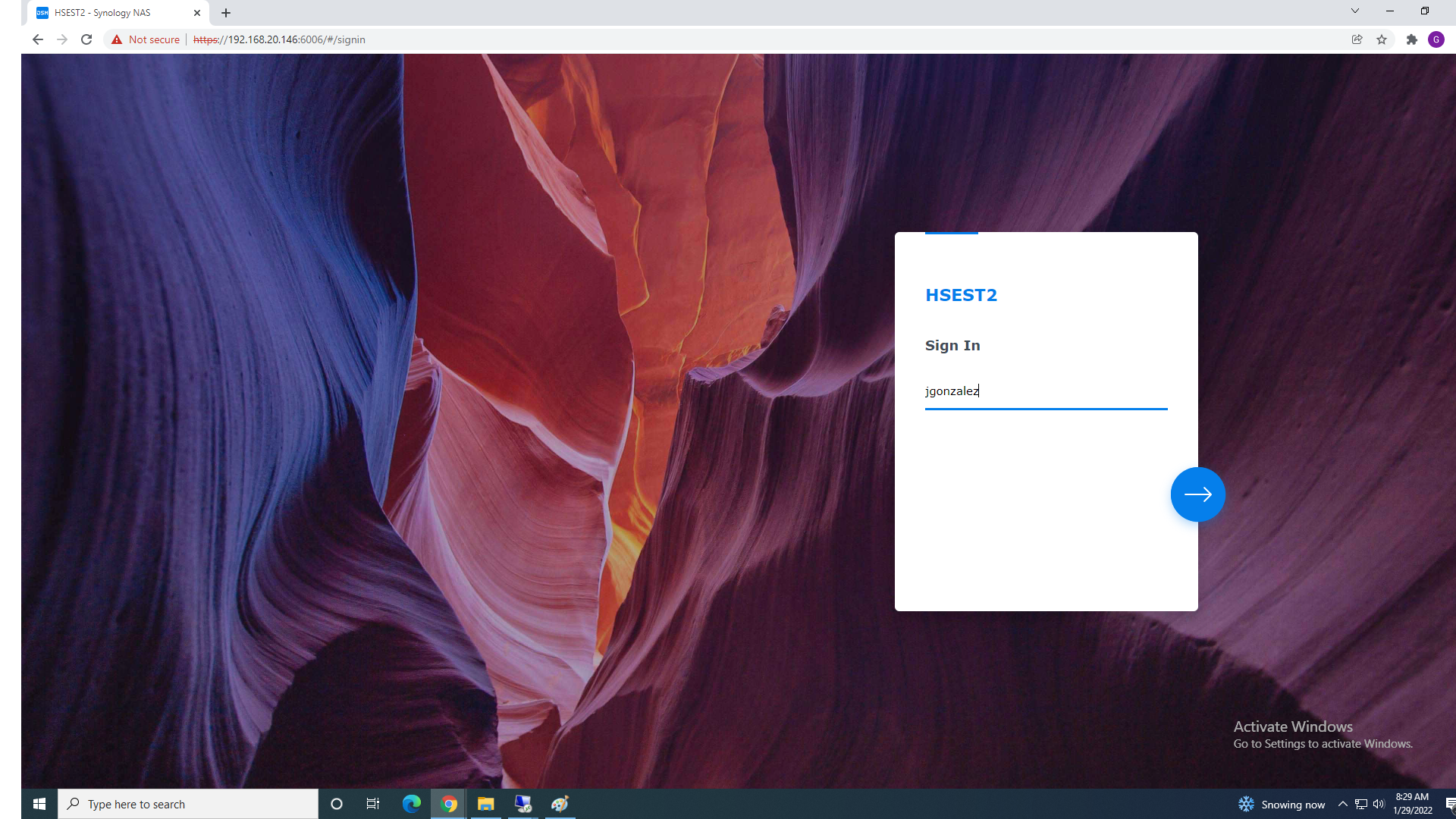
2. Sign in Using your Office user Credentials
3. Type your password and Login to NAS
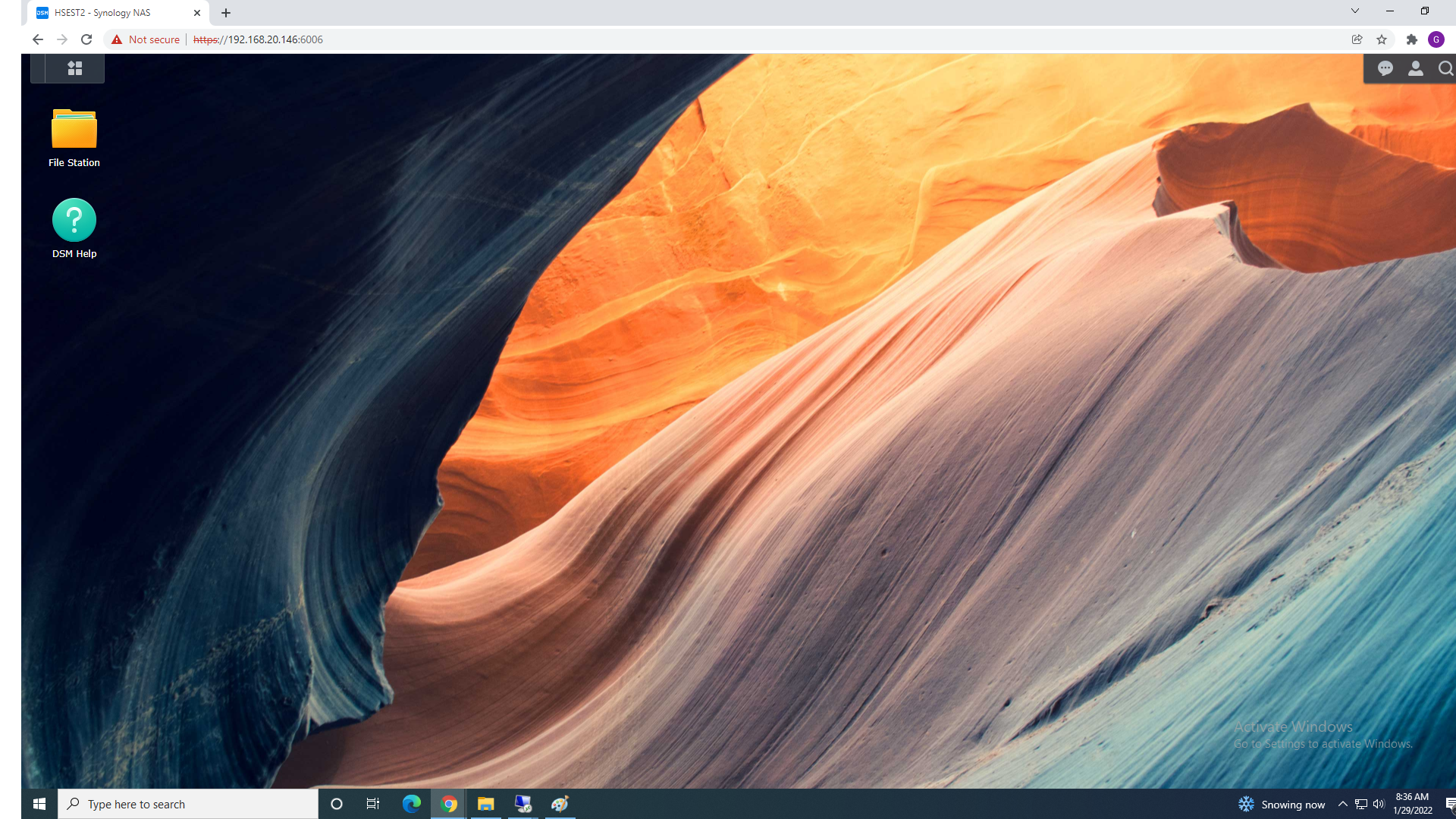
4. Once logged In Open File Station. This Will show you your Folder Access Options and Permissions.
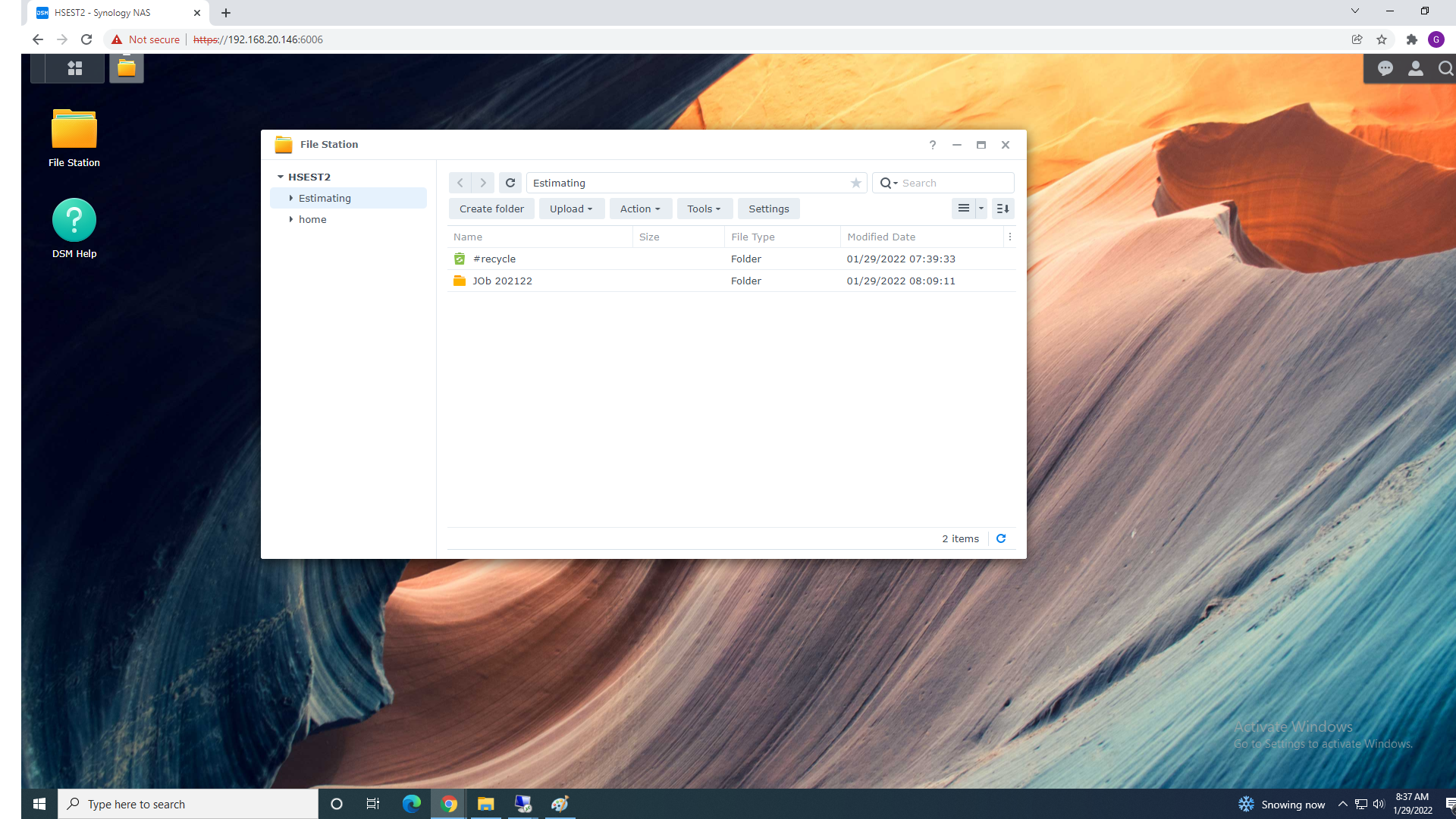
4a. In this Example Estimating Folder is :
A root folder - also called the root directory - is the "highest" folder in the folder hierarchy.
Any folders created under this ‘highest’ or root folder are called subfolders
You can Create your Own Folder by Selecting "Create Folder" or Right Clicking and choosing "Create Folder" from the menu.